Put Sijill on your home screen
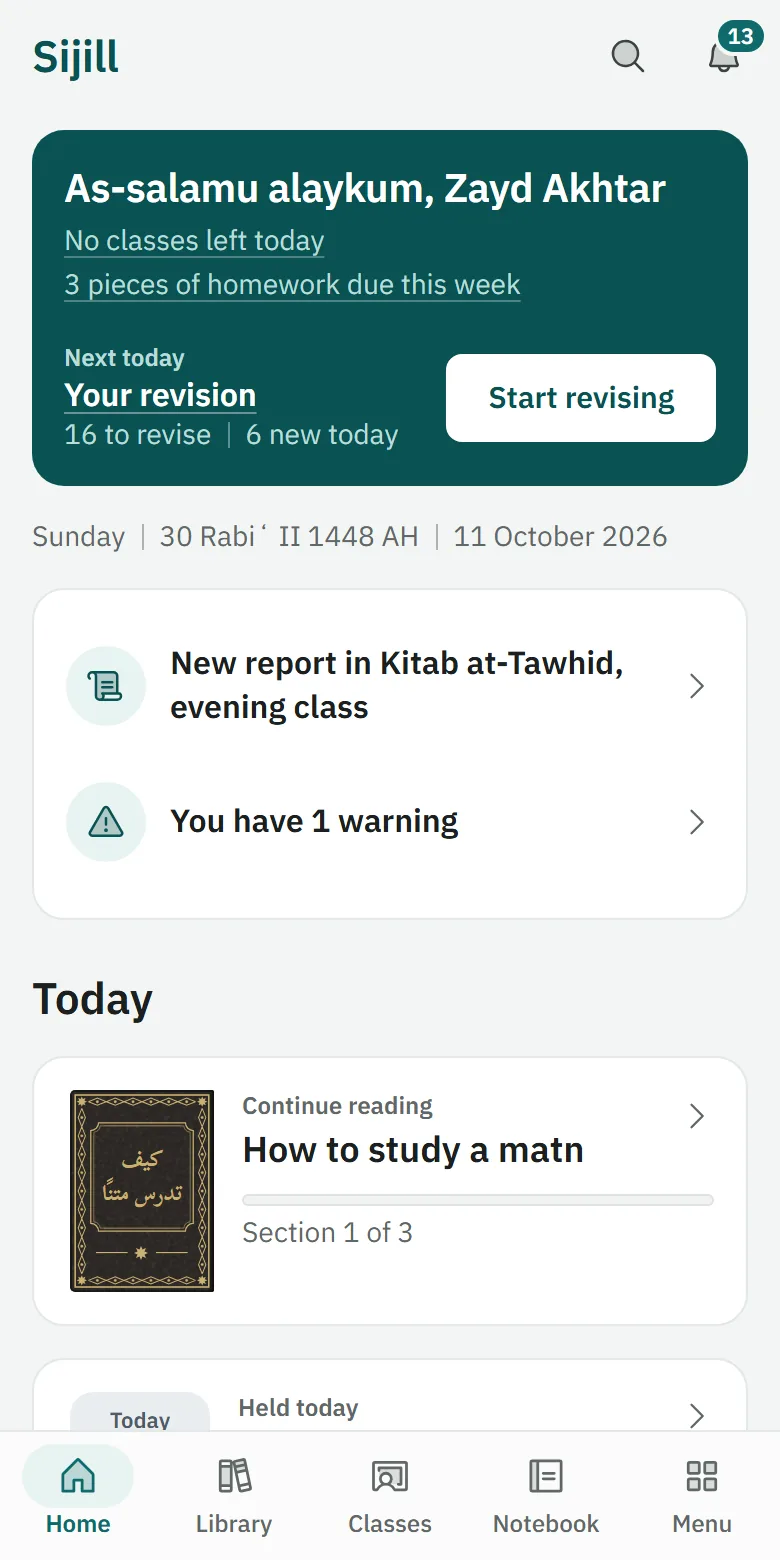
Sijill is a web app, so there is no app store. You add it from your browser once, and it opens like any other app.

On this device
Steps for another device
On an iPhone or iPad
- In Safari, tap the Share button.
- Scroll down and choose “Add to Home Screen”.
- Tap “Add”.
If “Add to Home Screen” is not in the list, this page is open inside another app. Open it in Safari first.
On an Android phone
- In Chrome, open the menu: the three dots at the top.
- Choose “Install app” or “Add to Home screen”.
- Tap “Install”.
On a computer
- In Chrome or Edge, open the browser menu, or look for the install icon at the end of the address bar.
- Choose “Install Sijill”.