A place to study Islamic knowledge, and to keep what you learn.
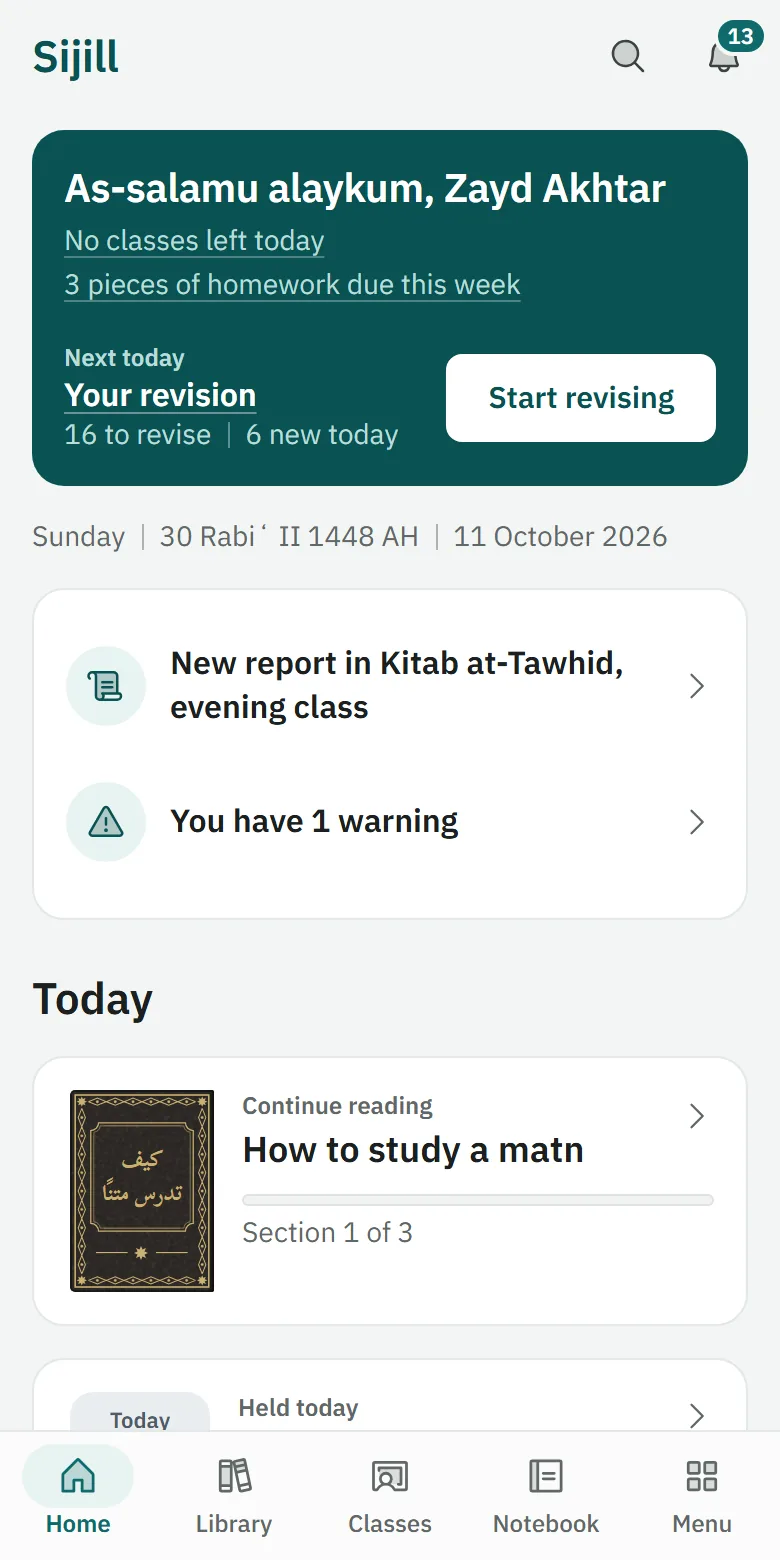
Read the books, memorise what matters, follow your class's lessons, and keep each note with the lesson it came from.
How Sijill works
Read, note, memorise and ask, all from the text itself.
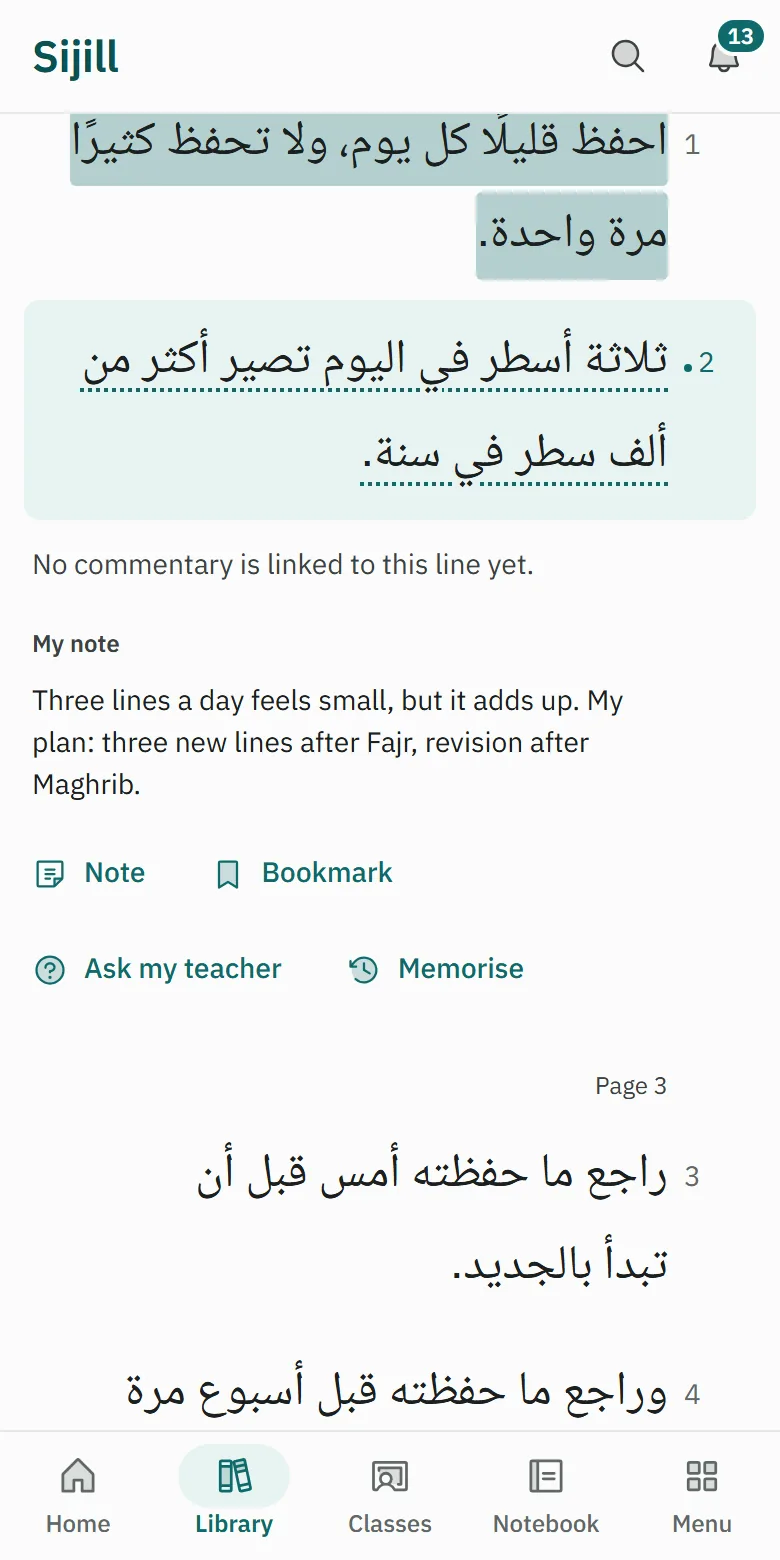
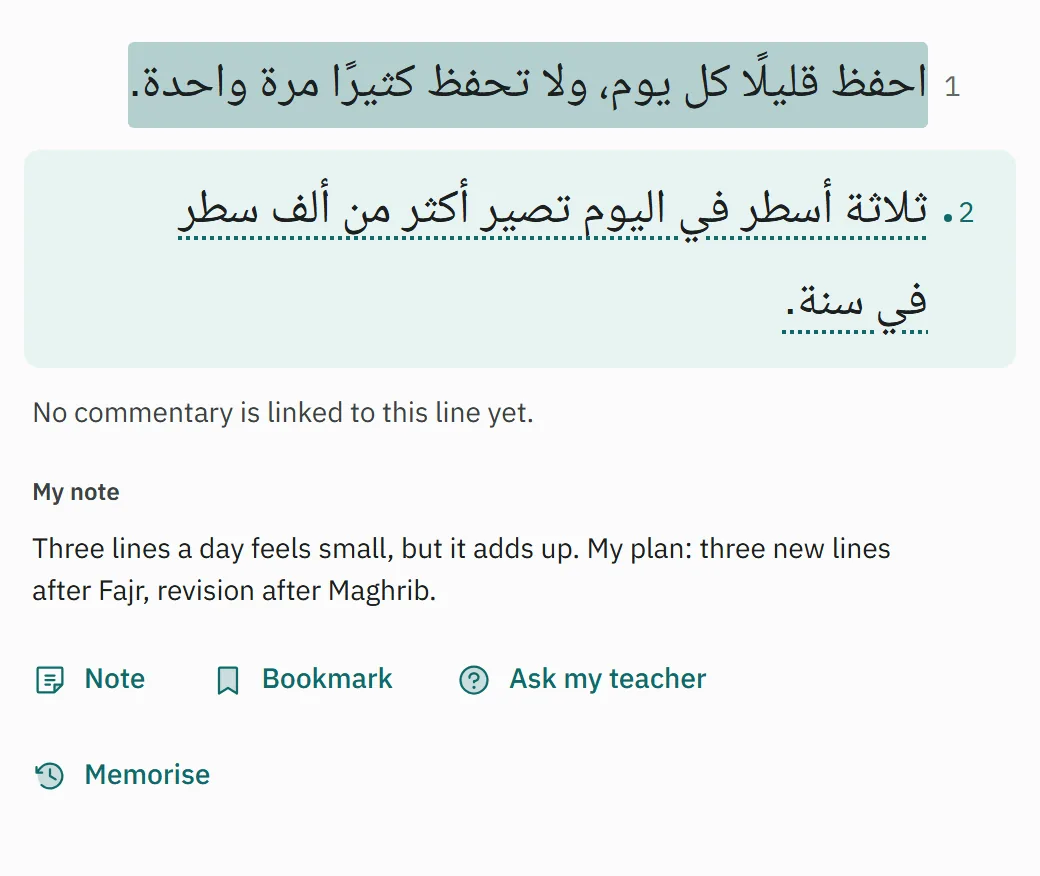
Find a book and read it line by line
Open the Library, choose a text, and read it in numbered lines.
Open a line and take a note
Tap any line, then choose Note. The note stays tied to that line.
Memorise, then revise every day
Choose Memorise on a line, and Revise brings it back on the right day.
Join a class with a code
Enter the short code your teacher shared, and the class appears under Classes.
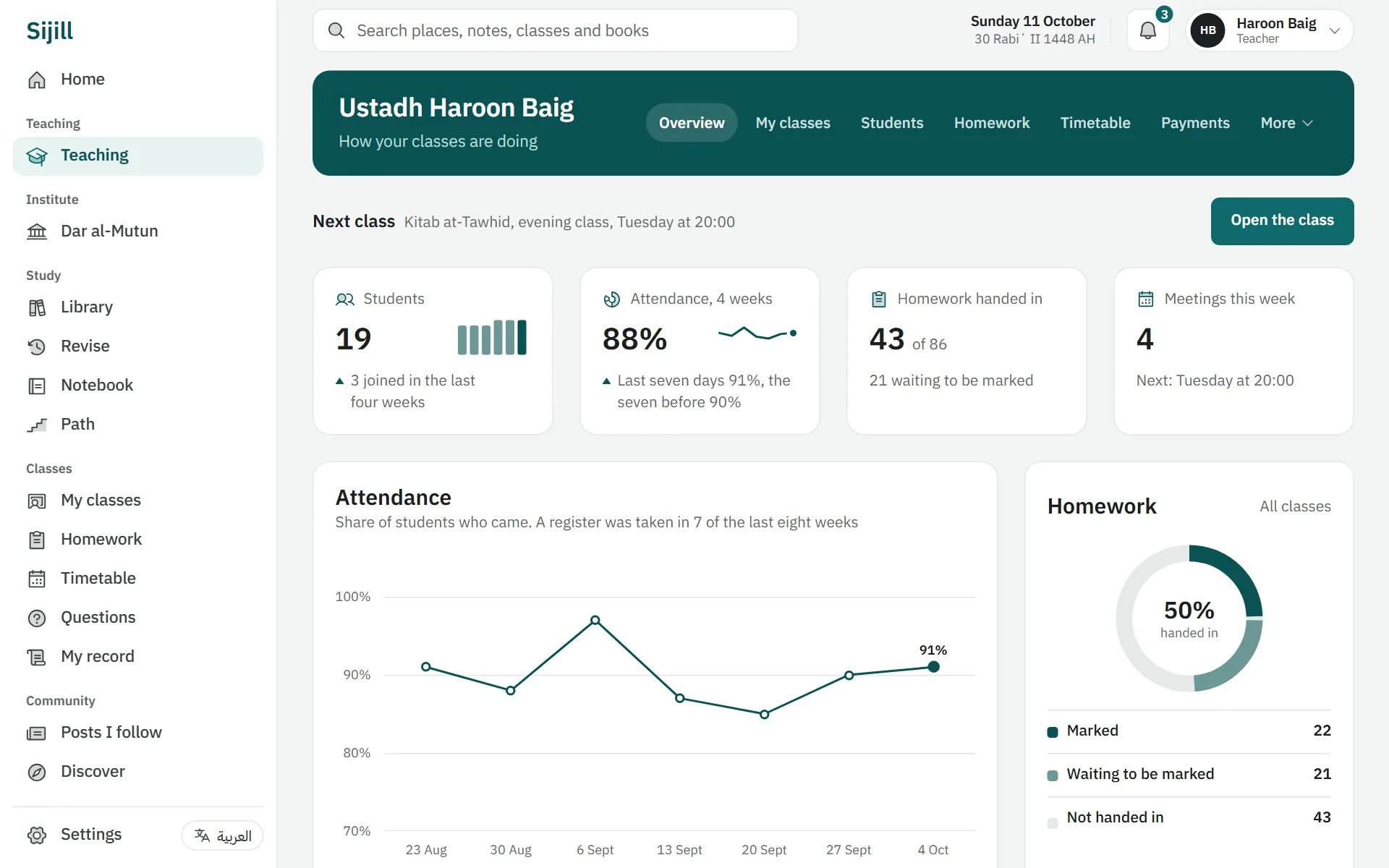
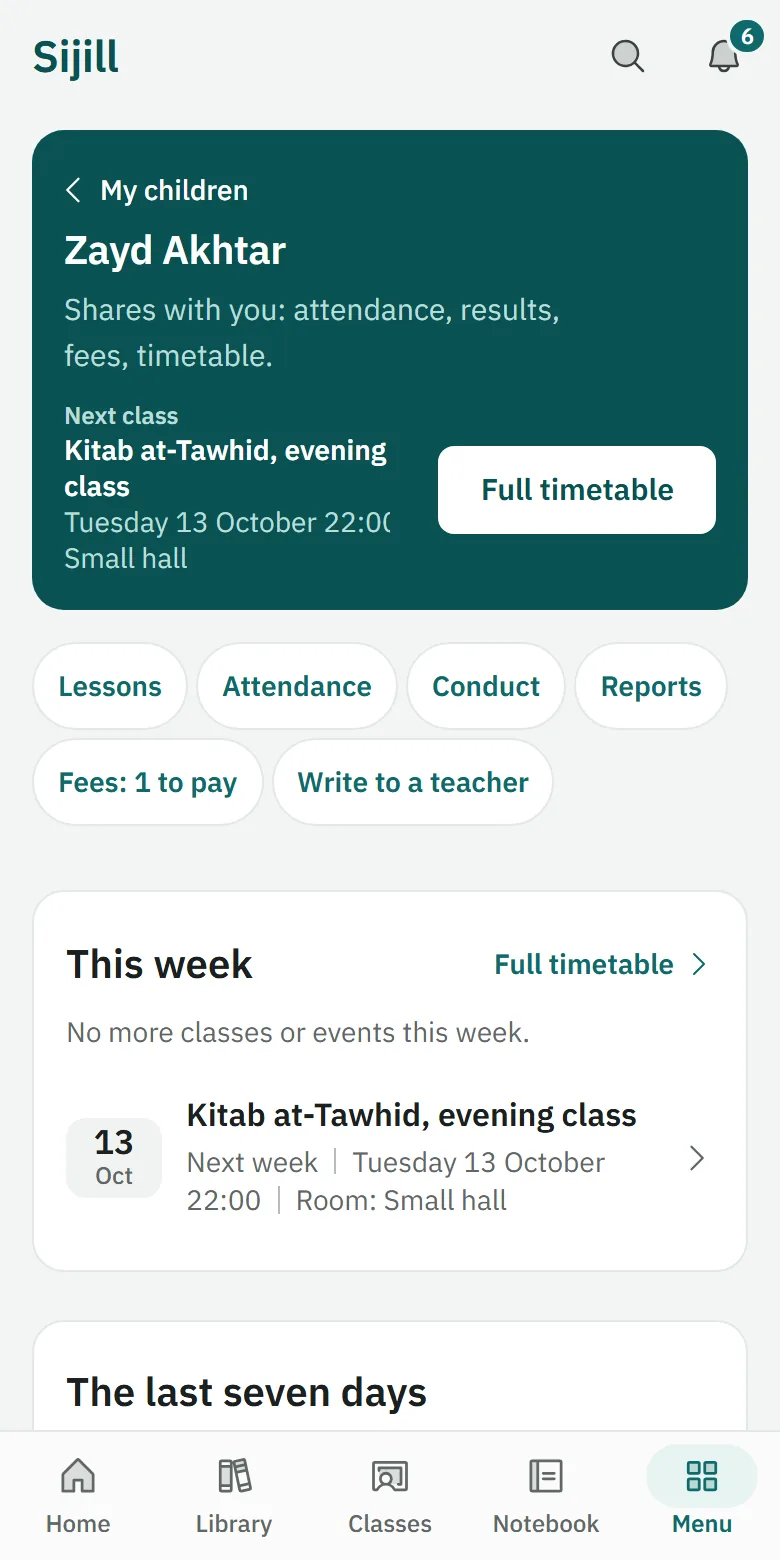
Run your classes in one place. Starting a class is free.
Create a class
Give the class a name and its book, and you get a short join code to send to your students.
Log sessions and recordings
After each lesson, write what was covered, and add a recording or a YouTube link if you have one.
See every student's progress
One list of every student in your classes, with their progress, their homework and their last mark.
Set homework and mark it
Read what each student hands in and write a line back with the mark.
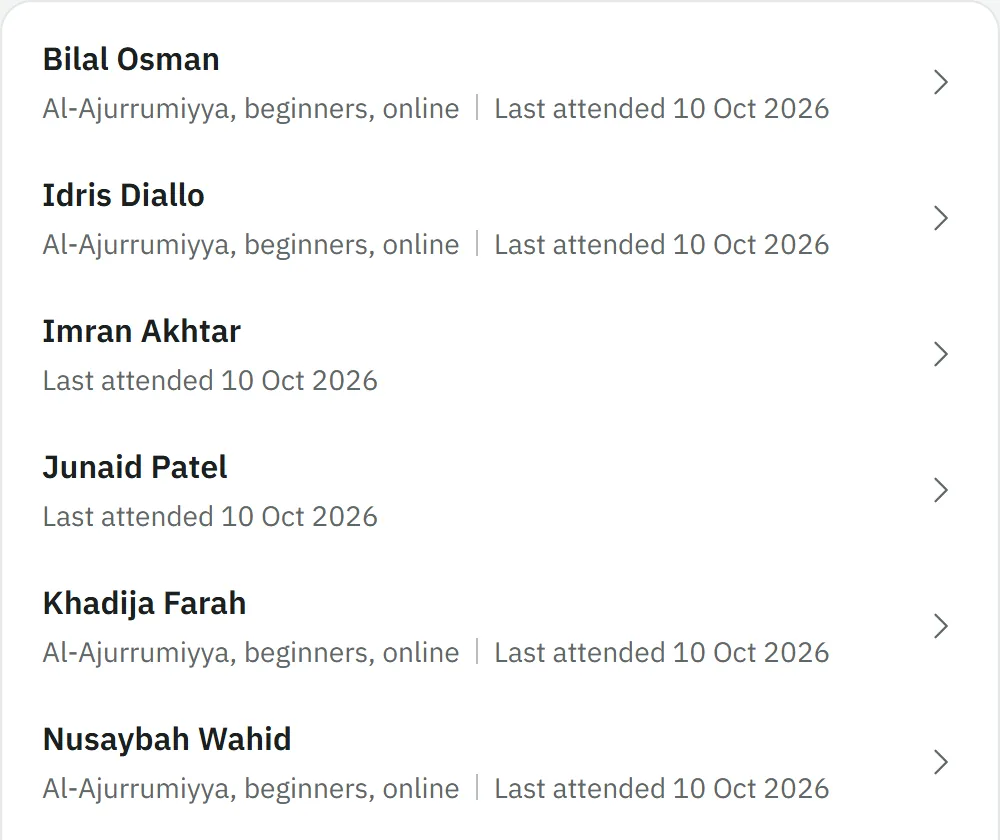
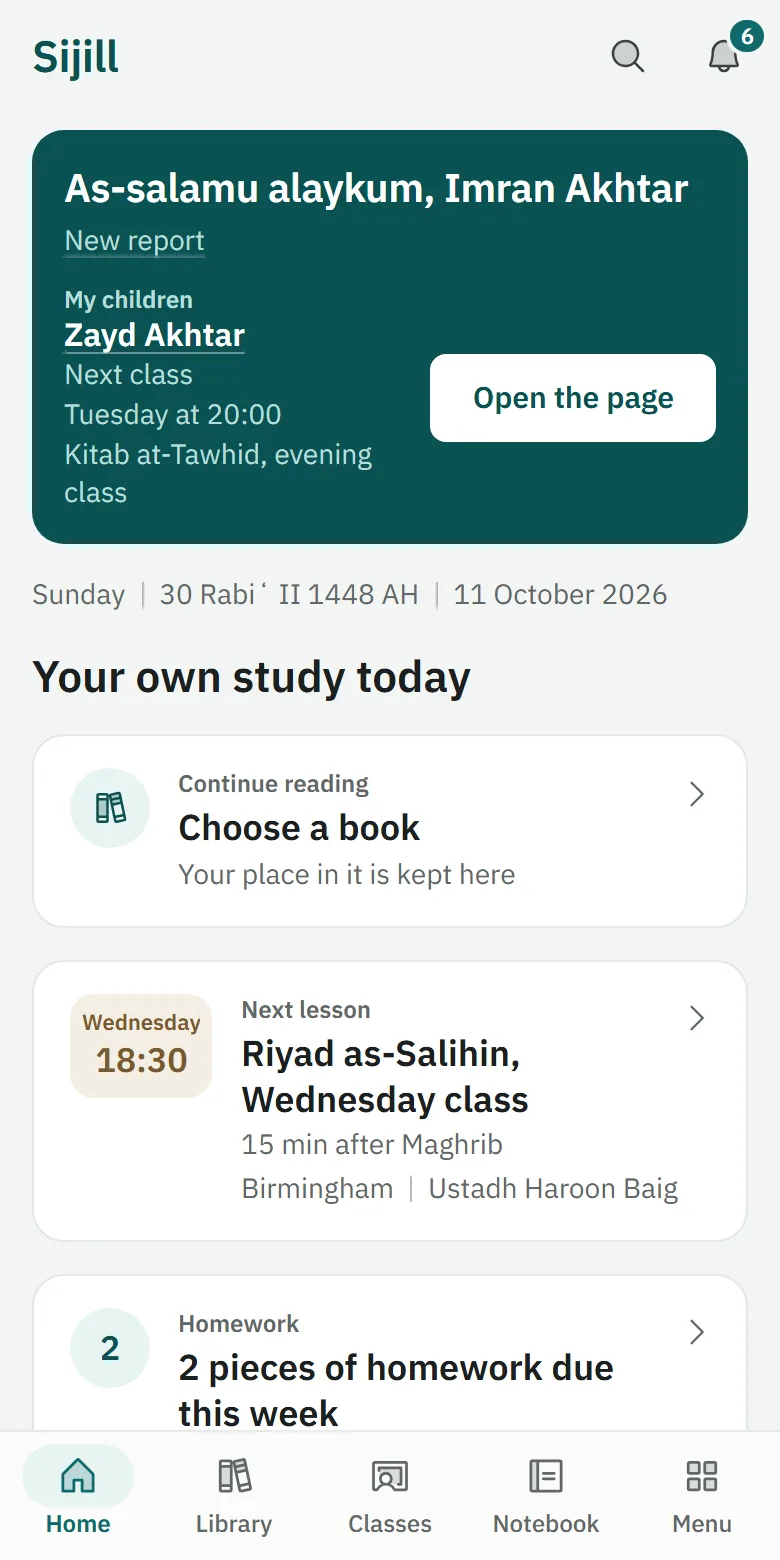
Follow a student's progress, with their permission.
The student makes a code
The student opens Me, then Parents and guardians, makes a code and gives it to you.
Follow a student with their code
Enter the code to see what the student chose to share: attendance, results, feedback or fees.
The student stays in charge
The student can change what you see, or end the link, at any time, and you never see their notes.
Bring your teachers, classes and students together under one name.
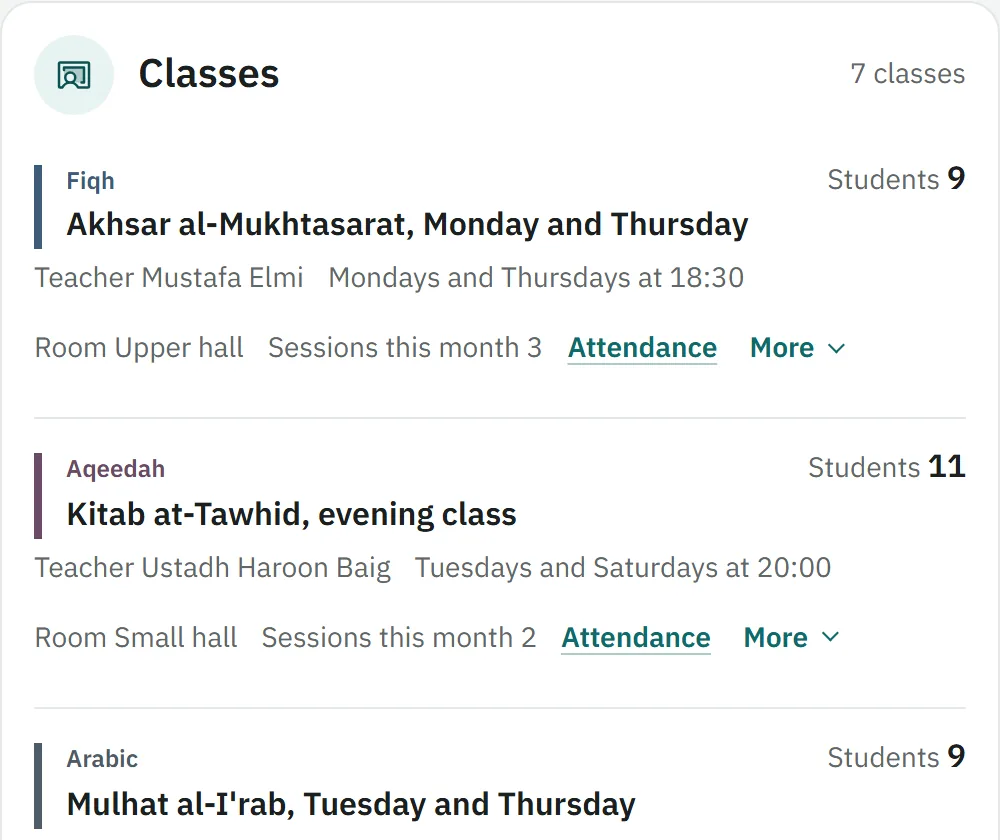
Create an institute
Start an institute with its name, and you become its administrator.
Add members
Make a join code for each role, student or teacher, and send it to your group.
Keep one student list
See every student and enquiry with their stage, notes and follow-ups.
Fees and payments
Set fees, confirm what students paid and record a refund you gave.
What it costs
Free for students and teachers
Starting a class, joining a class and the core of Sijill are free for students and teachers. Nothing in the core is locked behind payment.
Some teachers and institutes charge their own fees.
Institutes pay. the price is not decided yet
Institutes pay to use Sijill. The price has not been decided yet.
5% at most on payments to a teacher or an institute, once cards are connected
Today Sijill only records payments that go straight to the teacher or the institute. Card payments are not connected yet. When they are, and a student pays a teacher or an institute through Sijill, Sijill will keep a small share: never more than 5 percent in all, the card company's fee included.
Every cost, up front
- Nothing in the core is locked behind payment
- Fees go straight to the teacher or the institute
- No late fees, no interest
Every note stays with the line it was written on.
Tap any line and write a note. It stays tied to that line, so you find it where you wrote it.
How to start
See how to install itCreate your account
Your name, your email and a password.
Choose where to begin
Choose a text from the Library, or join your class with its code.
Put Sijill on your phone
Add it to your home screen from Safari on an iPhone or Chrome on Android.
Demonstration
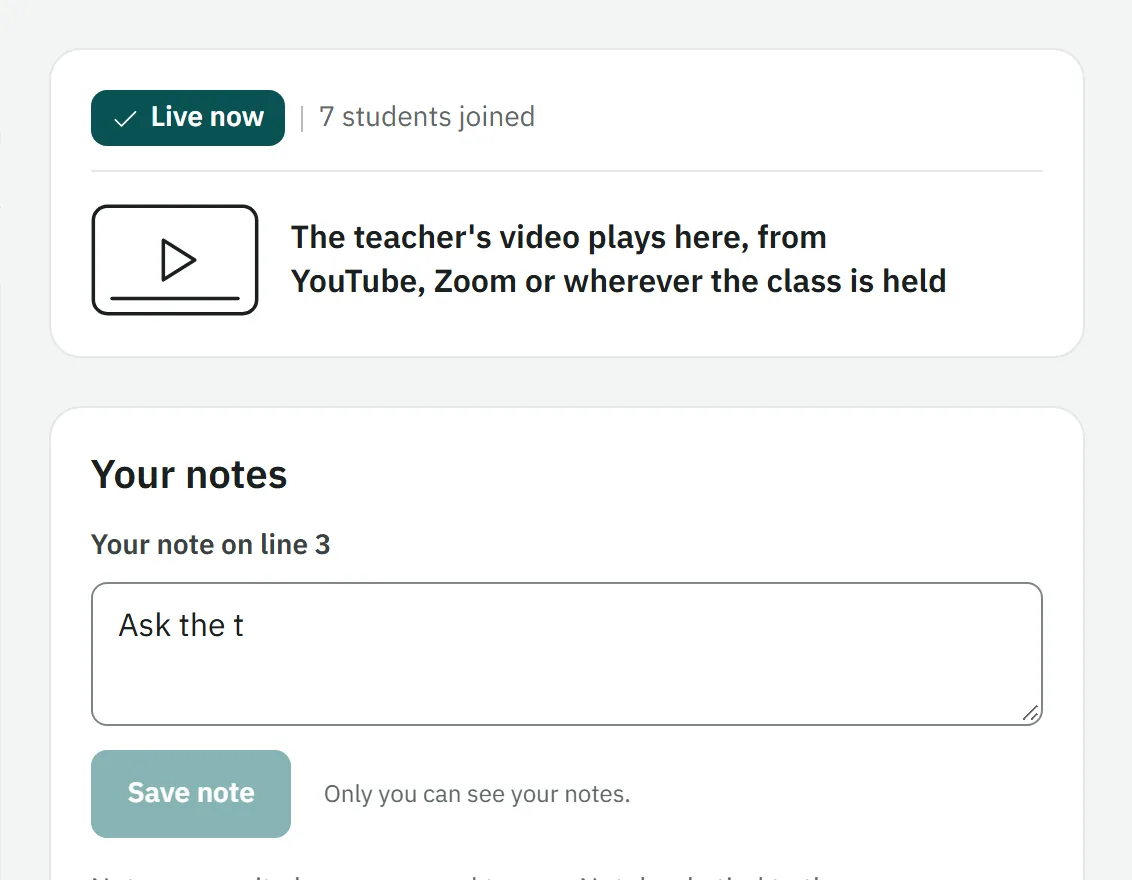
A live class in Sijill
What a student sees while the teacher teaches. It plays by itself, and nothing is saved.
Watch a demo class